Planner Dashboard
Planner
The dashboard is your main page: every time you log in, you'll find a summary of your event with the most important information at a glance.
Overview
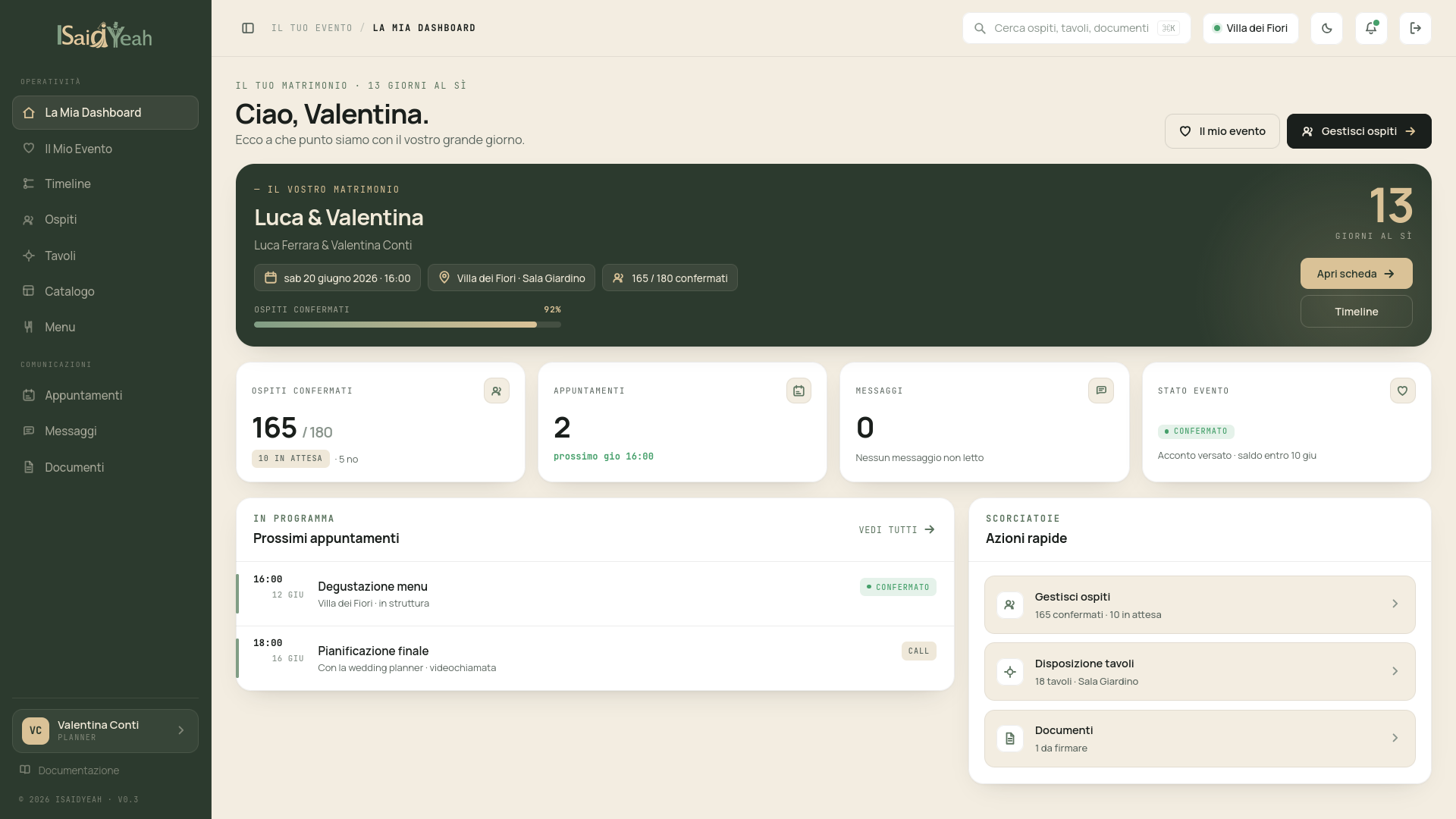
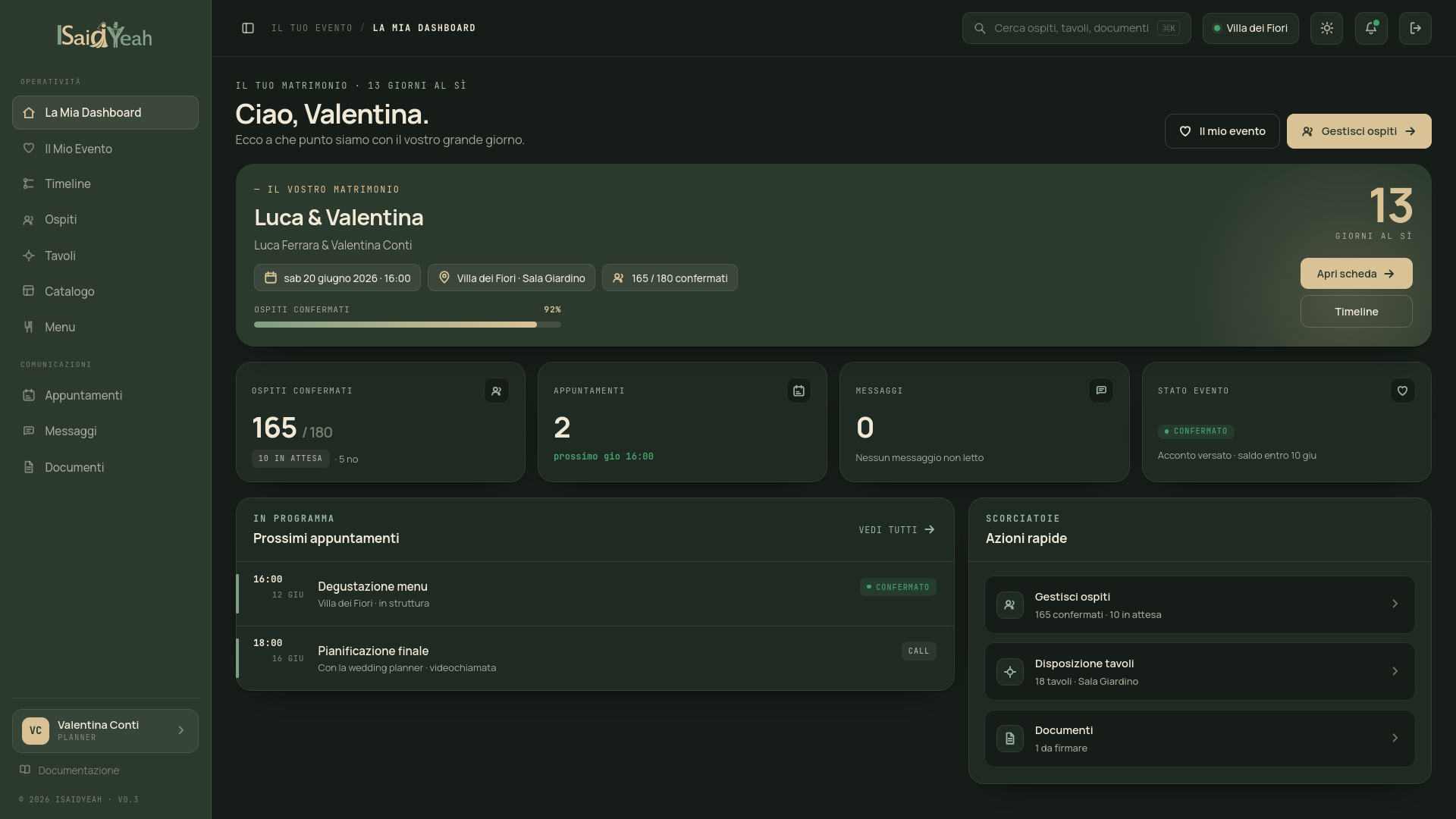
The most prominent element is the countdown: the number of days until your event, along with the title, date and current status. Below the countdown, summary cards show real-time data: confirmed guests vs total, upcoming appointments, unread messages from the venue and document status (to sign, under review, signed).
The dashboard also shows upcoming scheduled appointments and provides quick access to all sections: guests, tables, menu, catalog, messages and documents.
First access without an event
If your venue hasn't linked your account to an event yet, you'll see a welcome screen inviting you to wait for the association. Contact your venue if you think there's an issue.