Documents
Planner
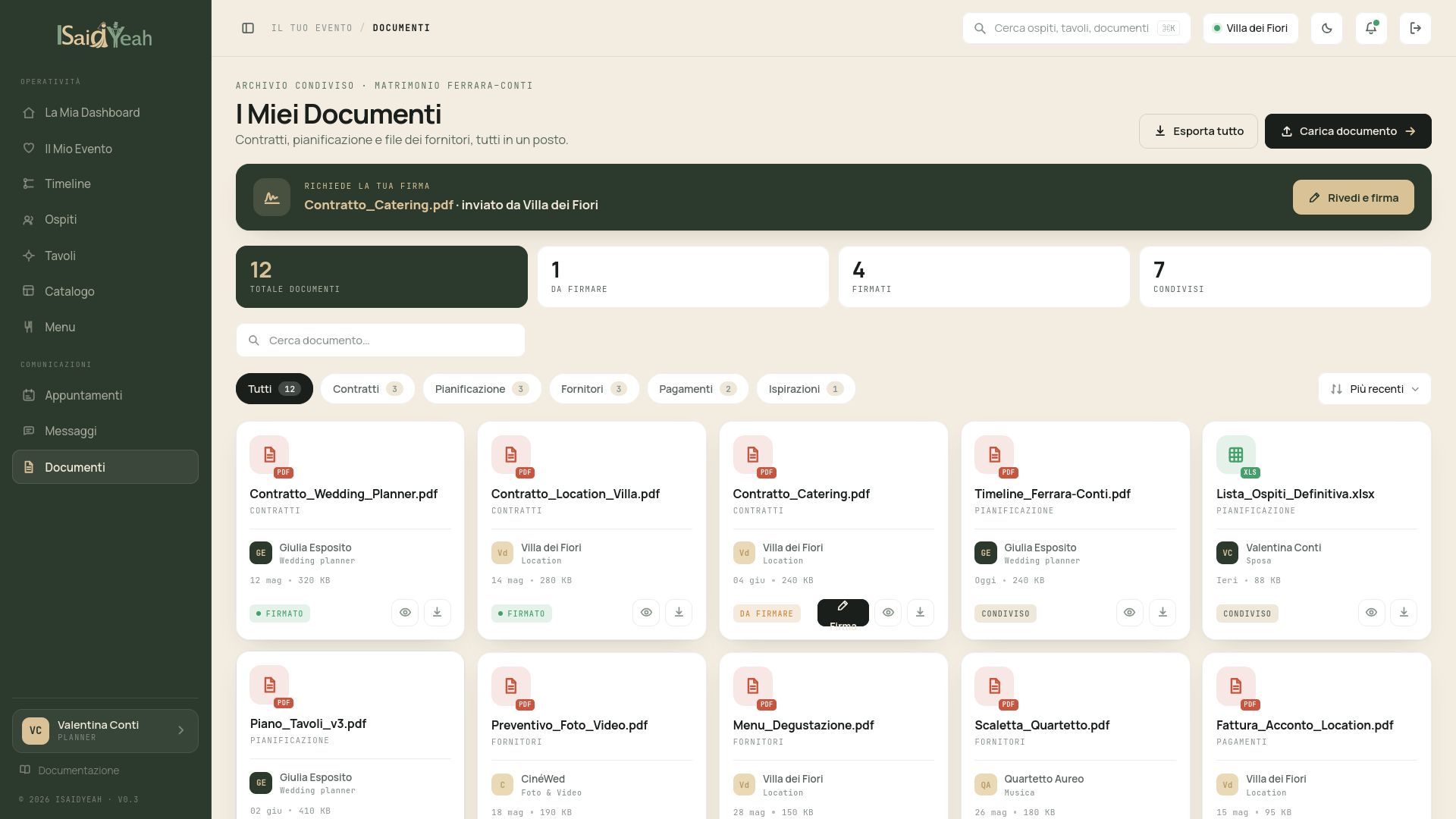
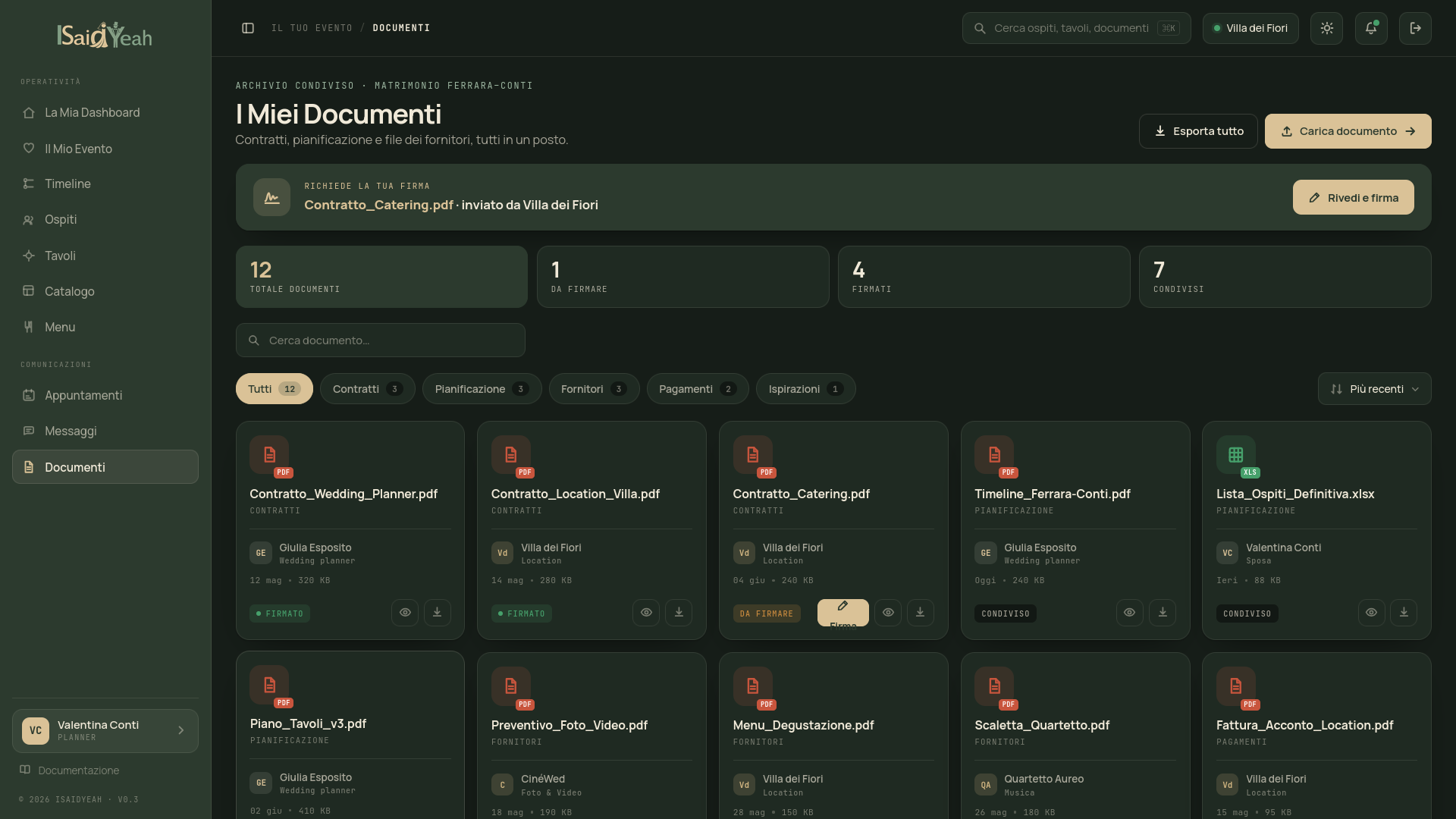
The Documents section lets you view contracts and documents uploaded by your venue, and upload signed versions when requested.
Document statuses
Each document follows a three-phase process:
| Phase | Status | What to do |
|---|---|---|
| 1 | To sign | Download the document, read it and sign it |
| 2 | Under review | You've uploaded the signed version, the venue is verifying it |
| 3 | Signed | The document has been approved. No action required |
Signing a document
Find the document with "To sign" status, download it, sign it (by printing and scanning or with a digital signature), then click "Upload signed version" and select the file. The status will change to "Under review" and the venue will check and approve the document.
Expiring documents
Some documents may have a deadline. If a document has an approaching deadline, you'll see a notice on the dashboard.
Keep a copy
After downloading a document, always keep a copy for your personal records.