Hall Management
Venue Admin
Halls represent the physical spaces of your venue where events take place. You can configure each hall with capacity, pricing and photo gallery.
Hall List
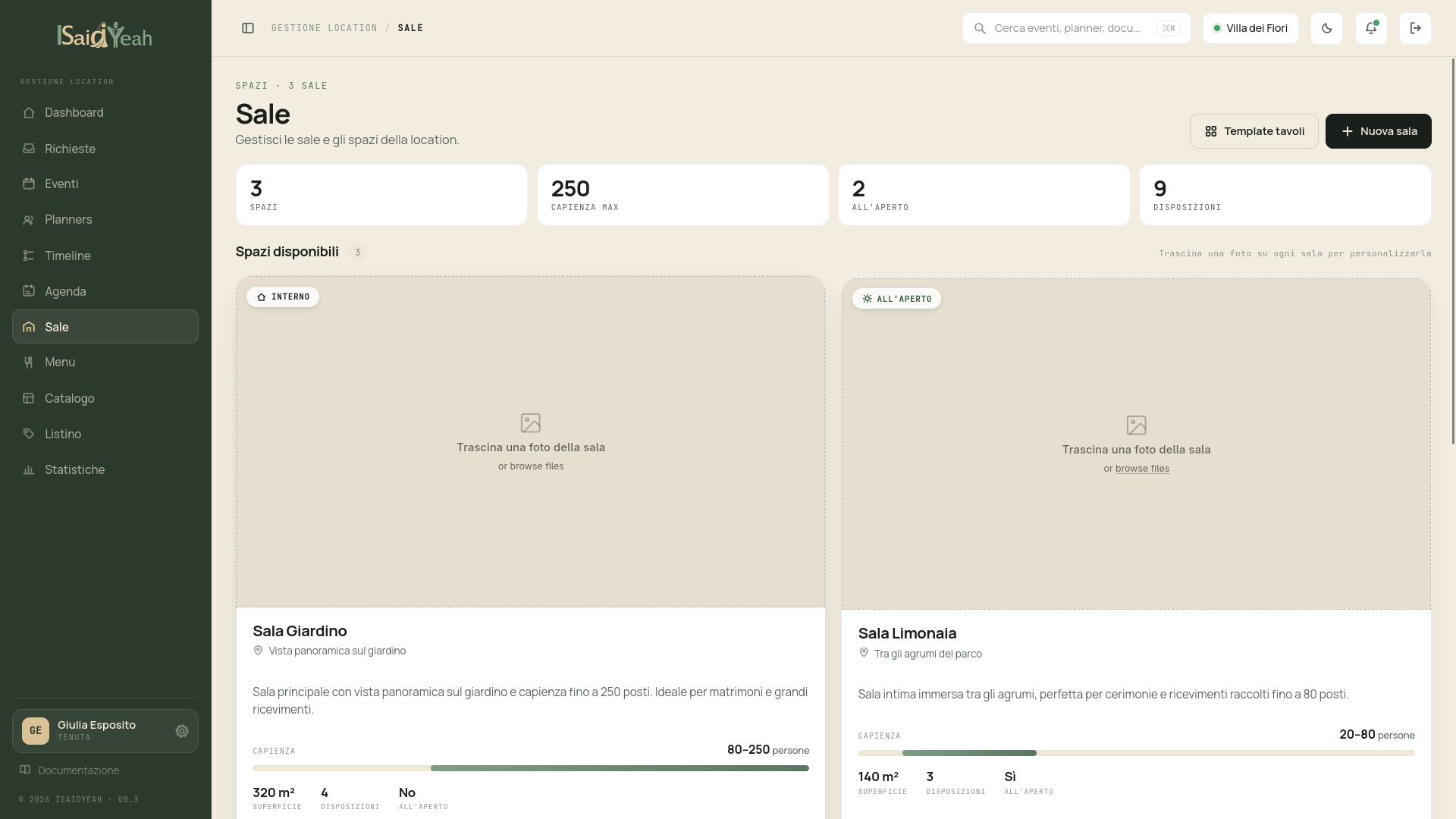
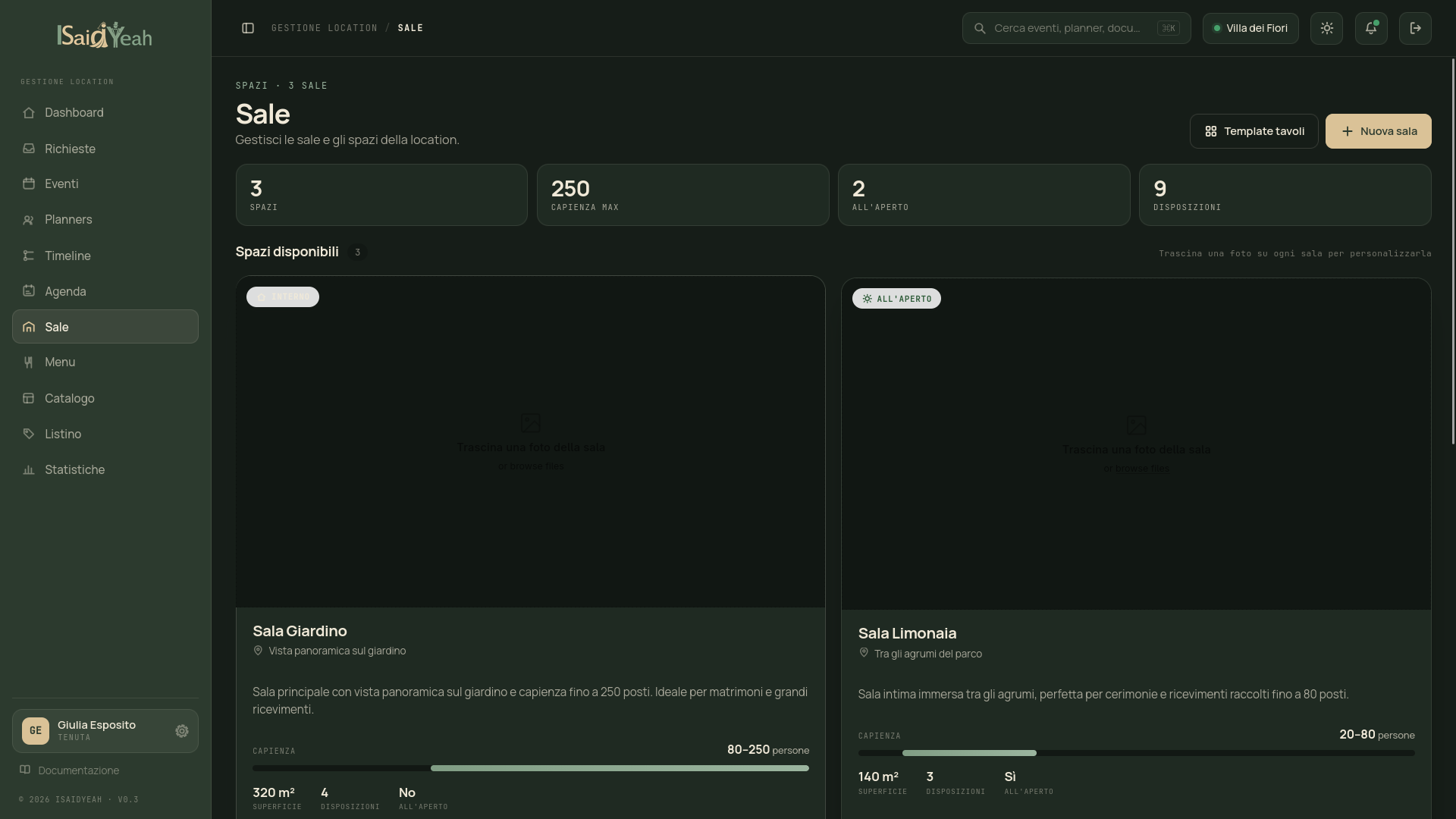
From the sidebar, click "Halls" to see the halls configured for your venue. Each card shows the hall name, capacity, base price and status (active/inactive).
Adding a new hall
Click "New Hall" and fill in the details: Name (e.g., "Grand Hall", "Garden"), Description for planners, Min/max capacity (guest range supported), Base price (fixed hall usage cost), Price per person (optional additional cost per guest), Indoor/Outdoor, Image (main photo) and Gallery (optional additional photos).
The hall will be available for selection in events.
Editing or deactivating a hall
From the hall card, you can access editing to update details. If a hall is no longer available, you can deactivate it without deleting it: it won't appear in selectable options for new events, but already linked events won't be affected.
Display order
You can set a display order for halls via the "Order" field. Halls with lower order values appear first.