Dish Management
Venue Admin
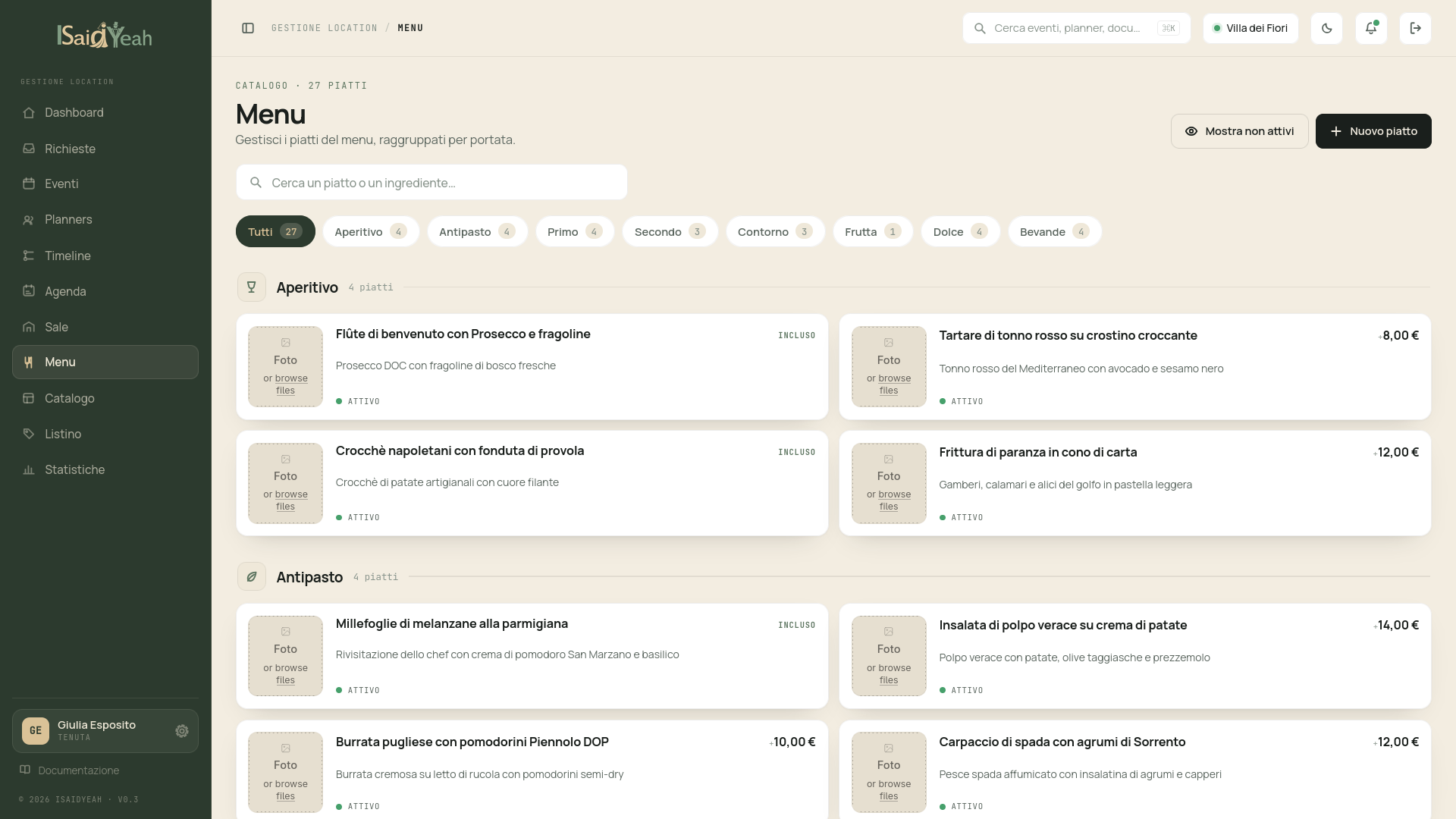
The Menu section lets you configure all the dishes your venue offers, organized by course. Planners can browse the menu and compose their selections.
Dish List
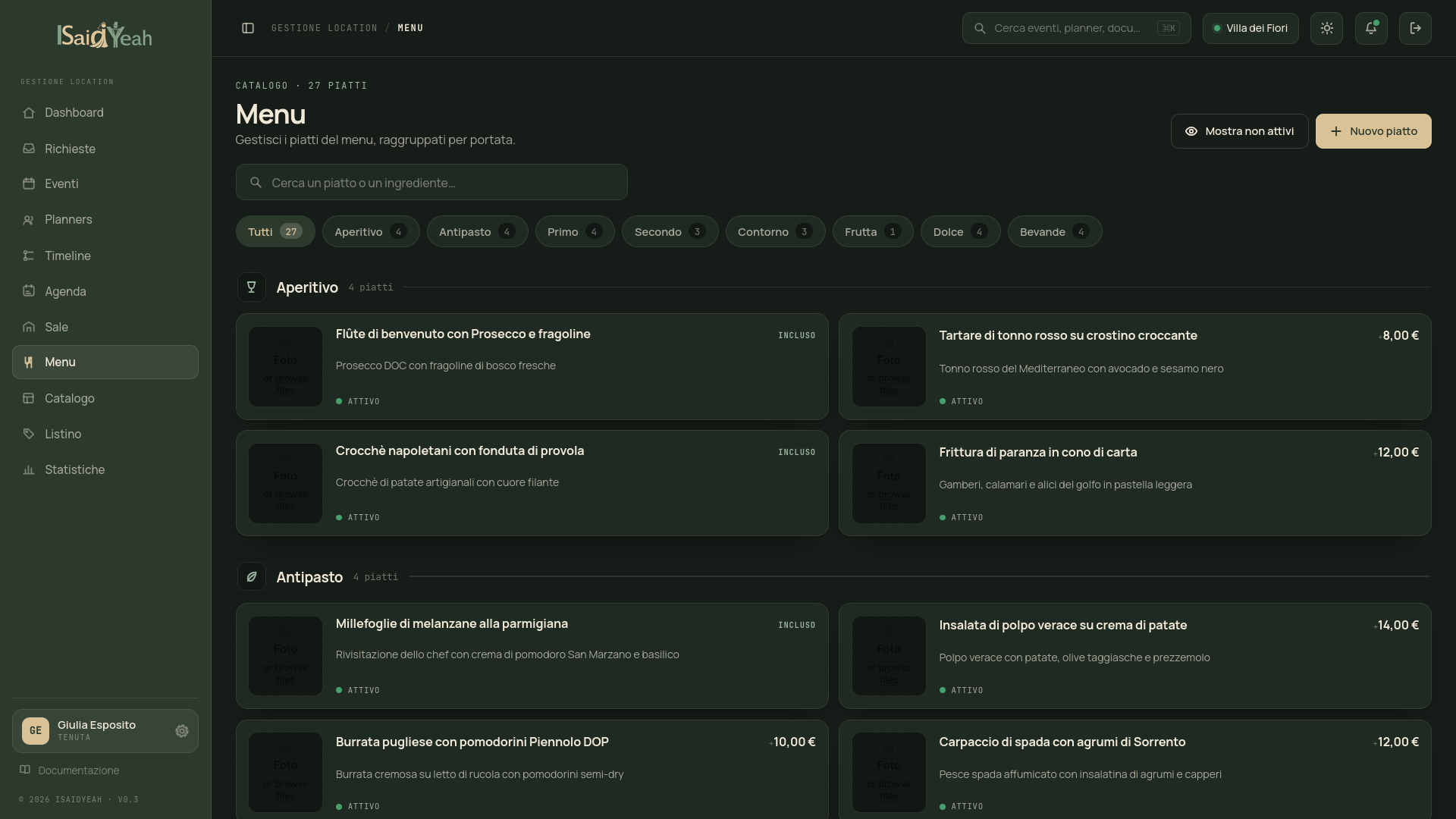
From the sidebar, click "Menu" to access the complete dish list, organized and filterable by course: Aperitivo, Antipasto, Primo, Secondo, Contorno, Frutta, Dolce and Bevande.
Adding a dish
Click "New Dish" and fill in: Name, Description for planners, Course, Price, Included in base (if included in the base menu price), Image (optional), Ingredients (optional). You can also specify dietary options (vegetarian, vegan, gluten-free), allergens, and seasonal availability (start/end months if the dish is only available in certain periods).
Featured dishes
You can mark a dish as "Featured" to highlight it in the planner's view. Featured dishes are your recommended proposals or the venue's bestsellers.
Deactivating a dish
If a dish is no longer available, you can deactivate it without deleting it. Deactivated dishes won't appear in the menu visible to planners, but existing selections on current events won't be affected.
Organization
Use the "Order" field to control the sequence in which dishes appear within each course.