Catalog Management
Venue Admin
The catalog collects all additional services and products offered by your venue, beyond the food menu. Planners can browse the catalog and select items to customize their event.
Catalog List
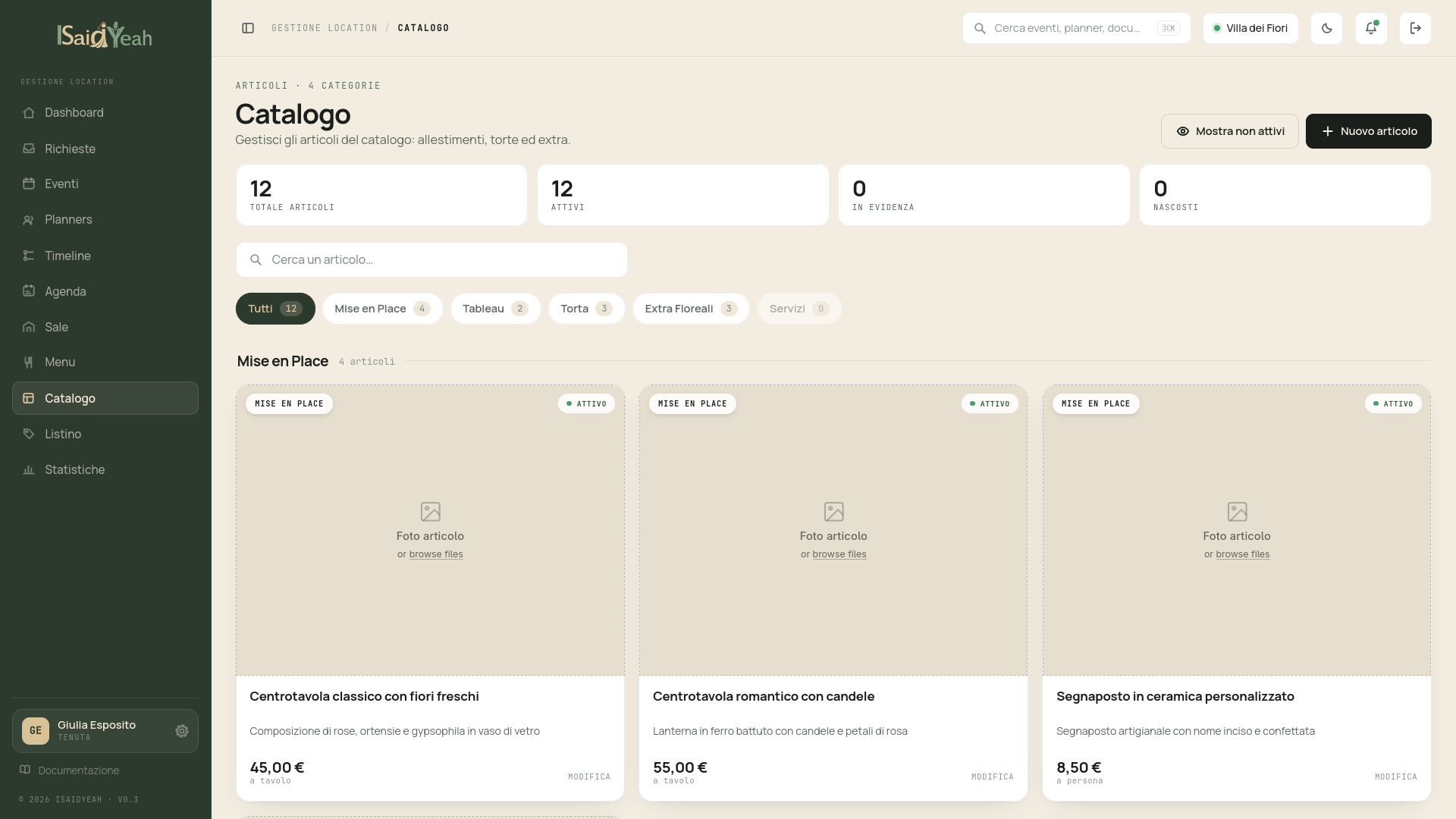
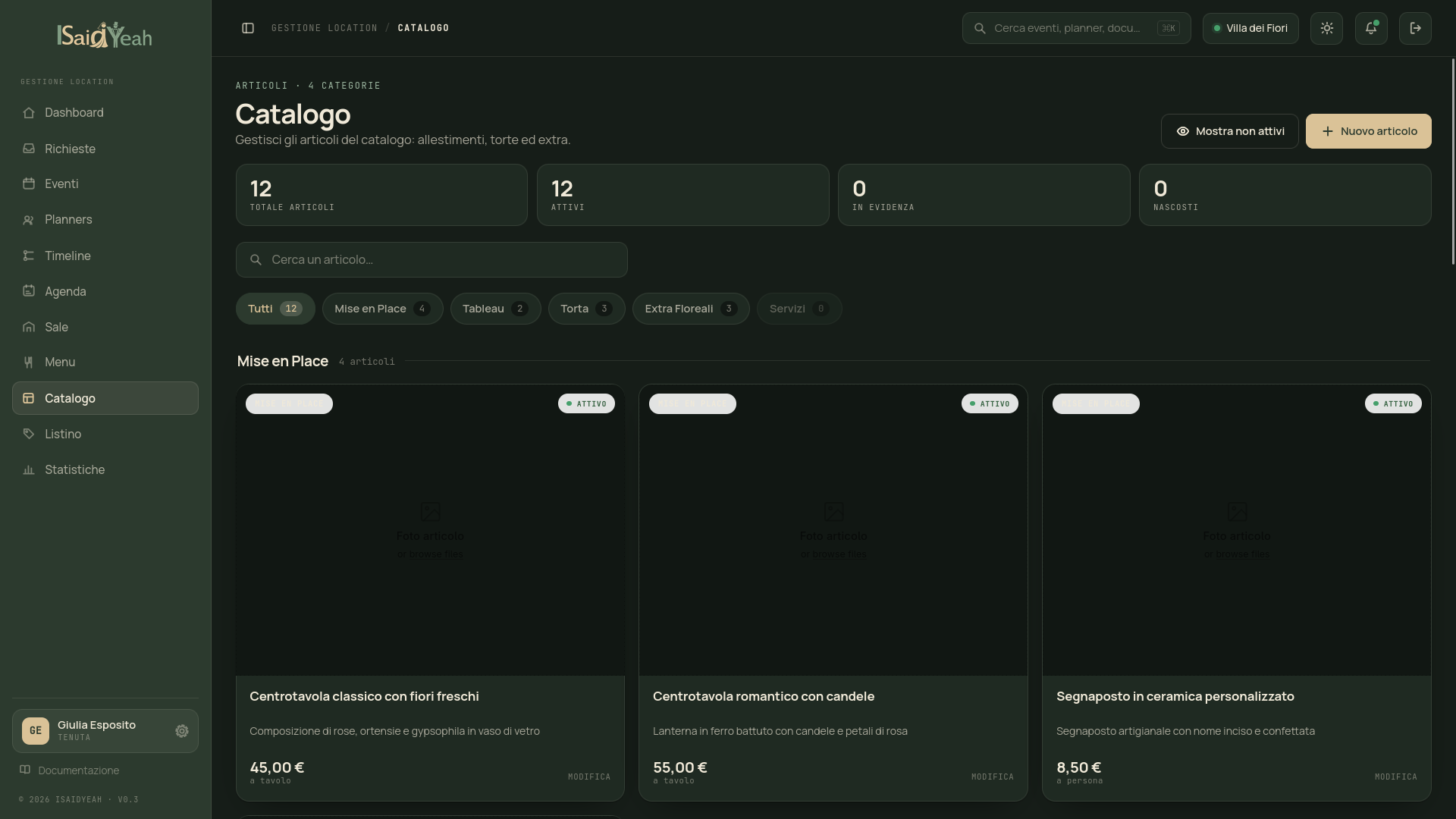
From the sidebar, click "Catalog" to access the complete list of items, organized and filterable by category: Mise en Place (table settings and decorations), Tableau (seating charts), Cake (wedding cakes and special desserts), and Floral Extras (floral arrangements).
Adding a catalog item
Click "New Item" and fill in: Name, Description, Category, Price and Price type (Fixed — single price regardless of guests; Per person — multiplied by guest count; Per table — multiplied by table count), Image (main photo), Gallery (optional additional photos). You can also set customizable options (e.g., colors, materials), whether advance booking is required, and optional stock quantity.
Featured items
Like dishes, you can mark an item as "Featured" to highlight it in the catalog visible to planners.
Photo gallery
Upload multiple images for each catalog item. A good gallery helps planners choose with greater confidence, especially for visual elements like mise en place and floral arrangements.