Planner Management
Venue Admin
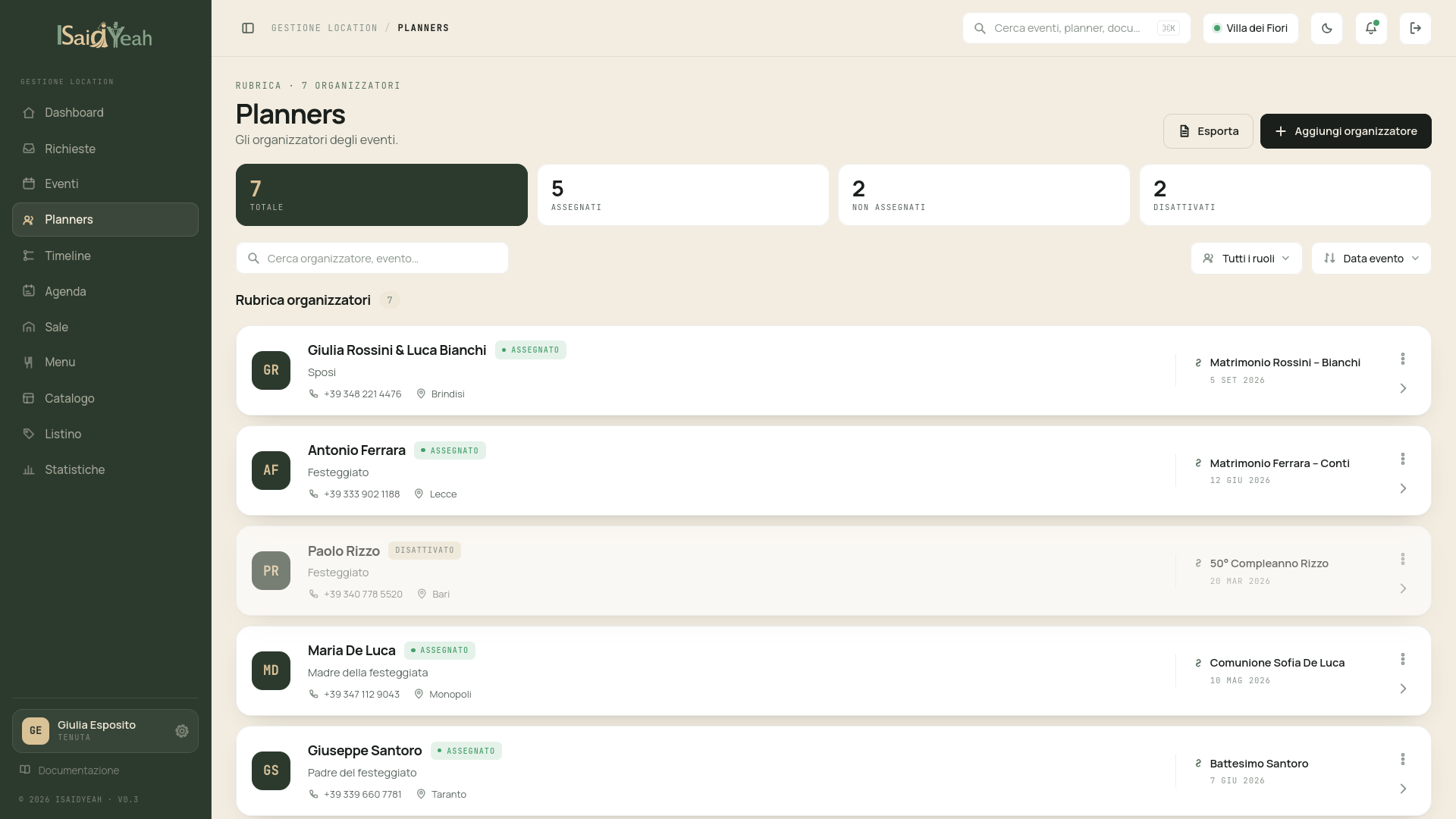
The Planners section allows you to manage the accounts of event organizers linked to your venue. From here you can view all planner users, invite them and link them to their events.
Planner List
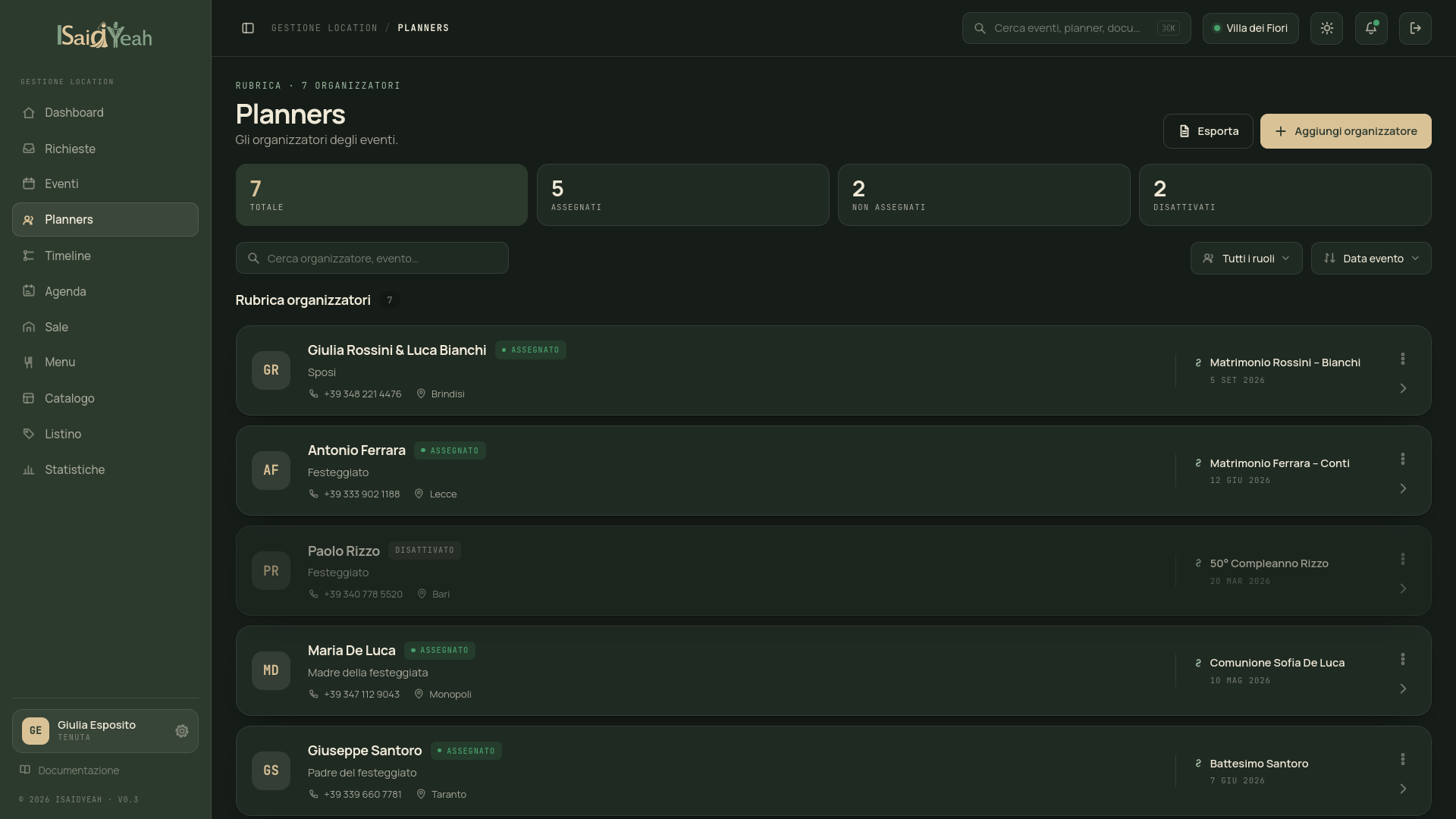
From the sidebar, click "Planners" to see the complete list of users linked to your venue with the planner role. For each user you can see: name, email, linked event and account status.
Inviting new planners
When a new client books an event at your venue, you can invite them to register on the platform. From the planner list, click "Invite Planner", enter the email address and an invitation to register will be sent. Once registered, the account will appear in the list.
Linking a planner to an event
After the planner has registered, you need to link them to their event to allow access to the dedicated area. Go to the event detail, use the "Assign Planner" action in the header and select the account from the available users list.
One account, one event
Each planner account can be linked to only one event at a time.
Recommended workflow
The ideal flow is: create the event → invite the planner to register → link the account to the event. This way the planner will find everything ready on first login.