Agenda
Venue Admin
The Agenda is your centralized calendar view that collects all appointments from all events in one place. It's the ideal tool for an overview of your schedule.
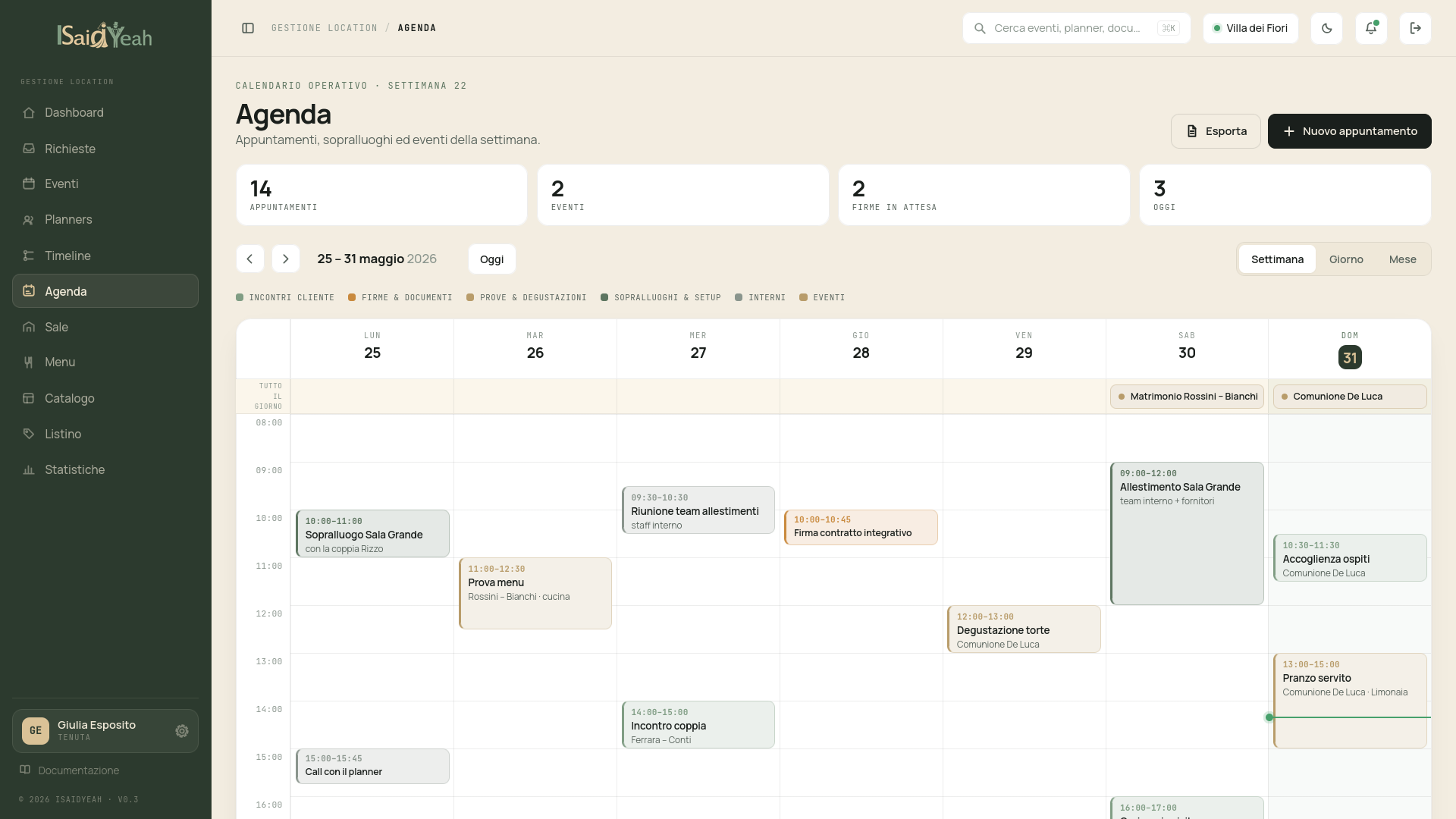
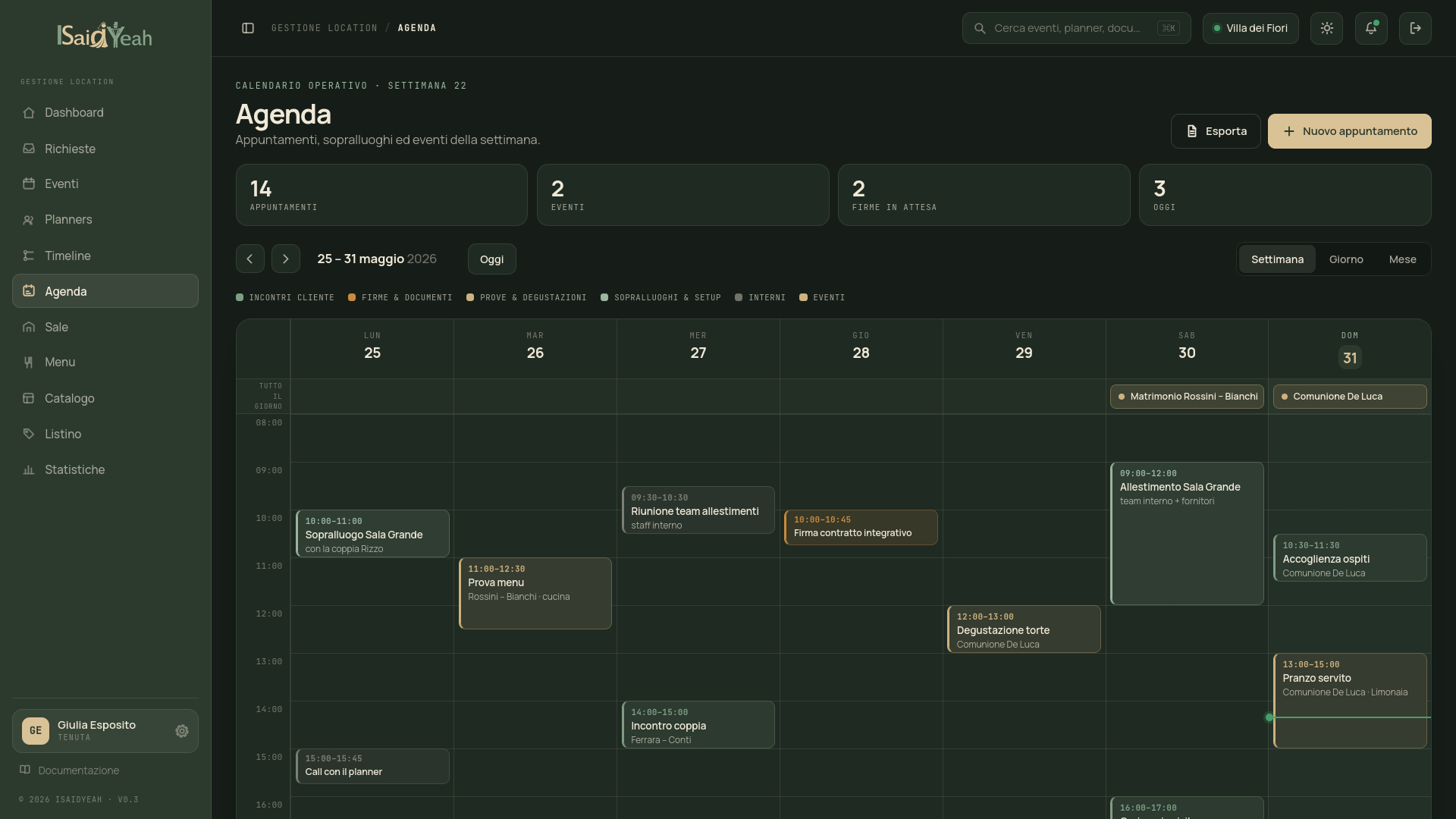
Calendar View
The main agenda screen shows a monthly calendar with appointments from all events highlighted on their respective days. You can navigate between months using the arrows at the top, or return to the current month with the "Today" button. Each day with appointments shows a visual indicator with colors identifying the appointment type.
Daily Detail
Clicking on a day in the calendar opens the daily detail panel showing all appointments for that day with time, type, linked event, status and a direct link to the event detail.
Creating appointments from the Agenda
You can create new appointments directly from the Agenda without accessing a specific event's detail. Click "New Appointment" or on an empty day, select the event to link the appointment to and fill in the details as in standard creation.
Strategic planning
Use the Agenda as a weekly planning tool: check every Monday the upcoming appointments for the week and organize your time accordingly.